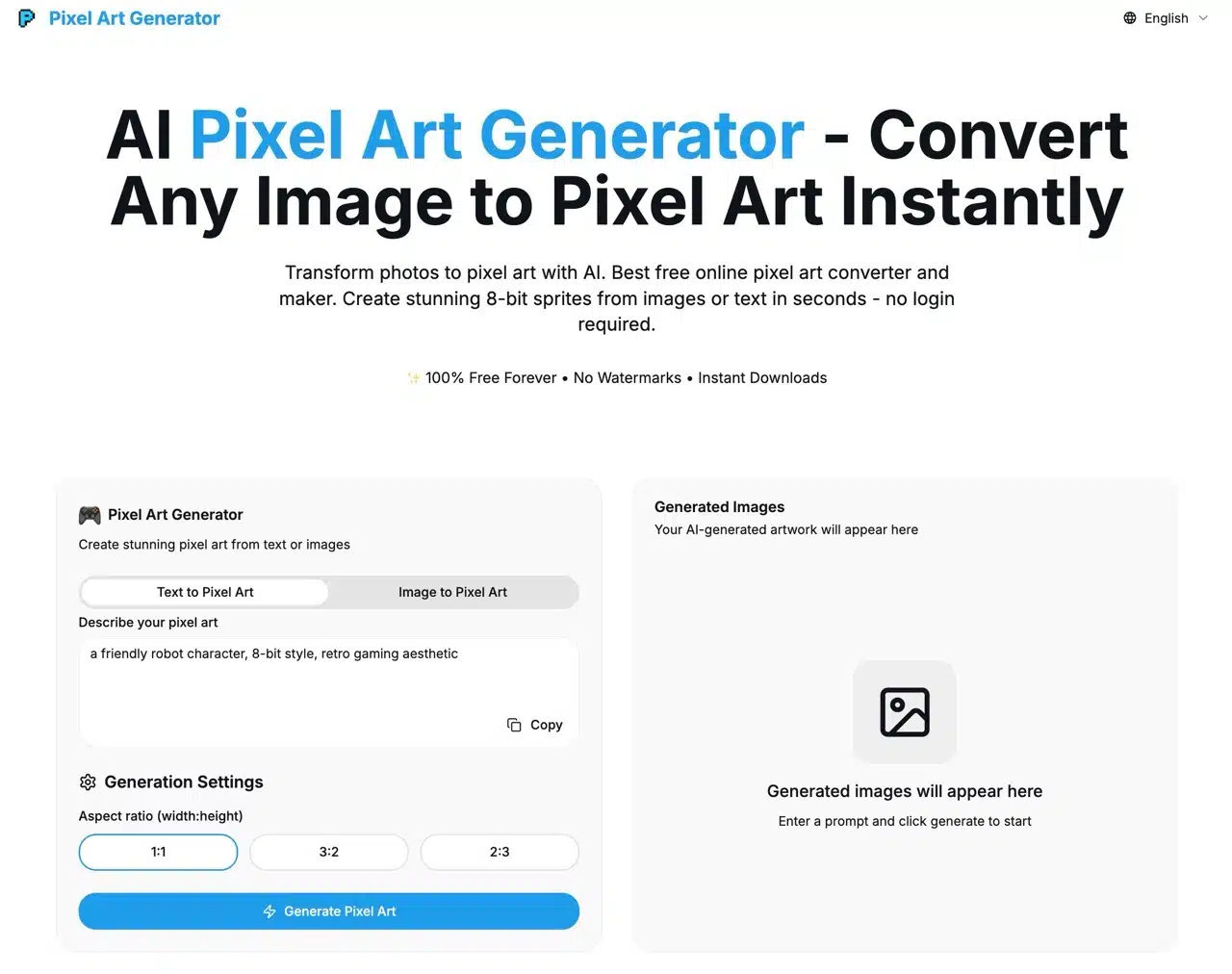
Today we're introducing “Pixel Art Generator,” a free AI pixel art image generator that swiftly converts user-provided text descriptions or any image into retro 8-bit pixel art. It's perfectly suited for various applications like games, NFTs, social media platforms, or digital art.
We've previously covered several free pixel art tools, such as:
Image to Pixel Art: Free online pixel art tool that converts images to pixel style with one click
PixelMe: Turn photos into 8-bit pixel art, recreating the style of classic old-school games
Image2Pixel: Recommended free online image-to-pixel art tool for effortlessly creating 8-bit retro styles
ImageToPixel.Art: Free online pixel art tool for easily crafting retro pixel styles
Unique Features Overview
Most common AI image generators utilize prompts—descriptions of desired images entered by users—which the AI then analyzes and processes to create visuals. What sets Pixel Art Generator apart is its image-to-pixel-art conversion feature: simply upload an original image, and it generates a pixel art version, even for complex visuals.
Usage Guide
1. Switch Language and Enter Description
After opening the Pixel Art Generator website, switch to the Chinese interface via the language option in the top-right corner.
Scroll down the page to locate the generator. The first method to create pixel art involves inputting an image description. Testing confirms that Chinese can be used as the prompt.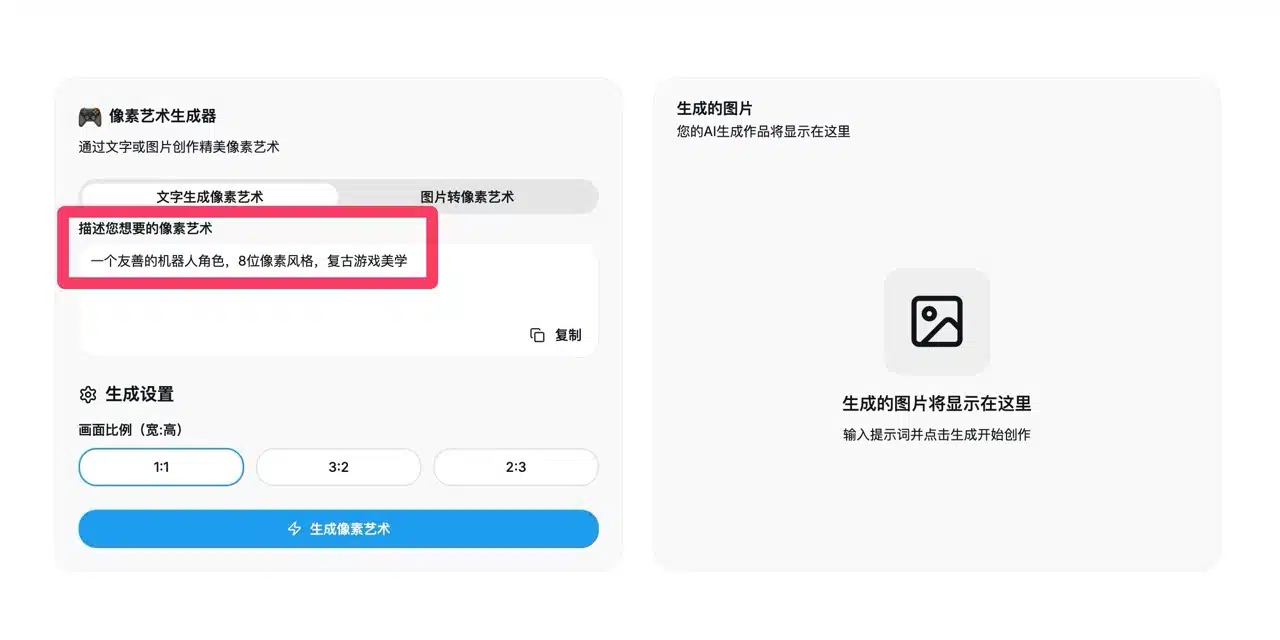
2. Upload Image for Conversion
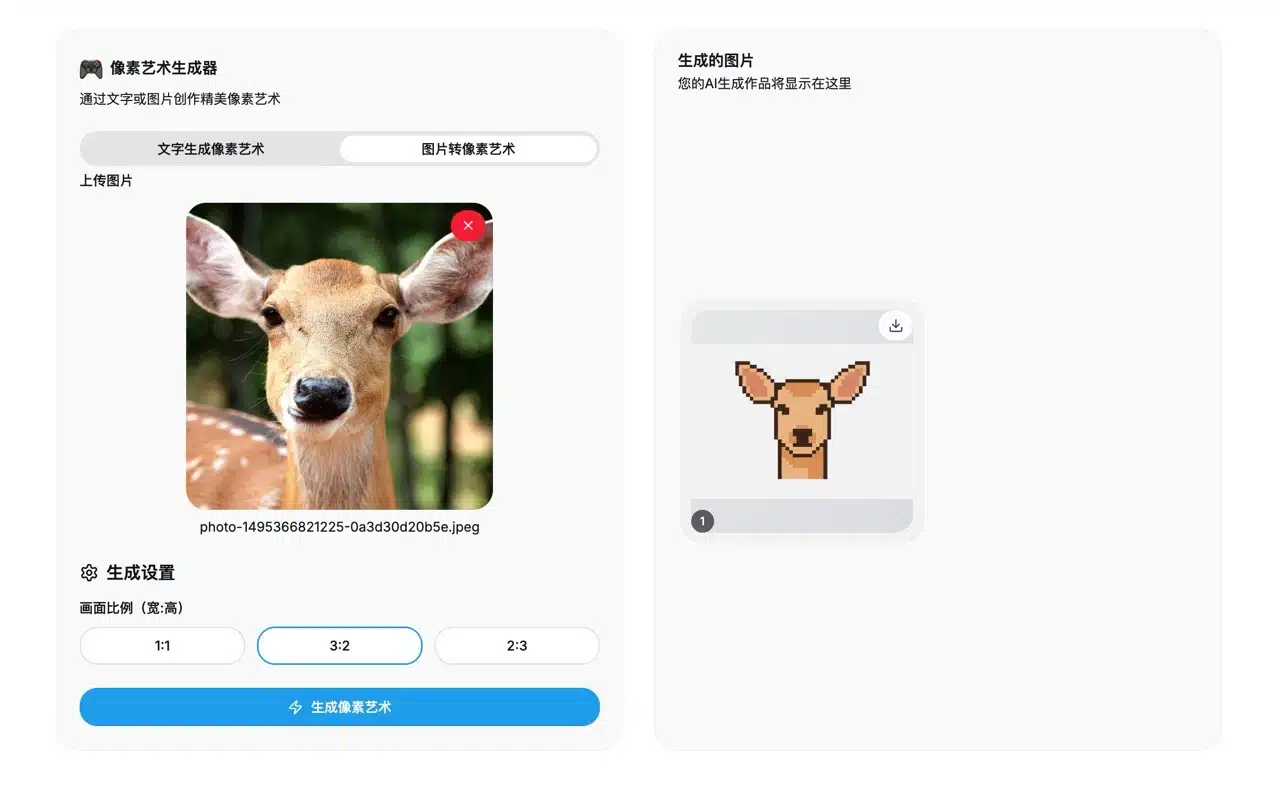
The second generation method is the “Image to Pixel Art” feature, which converts uploaded PNG or JPG format images into pixel art.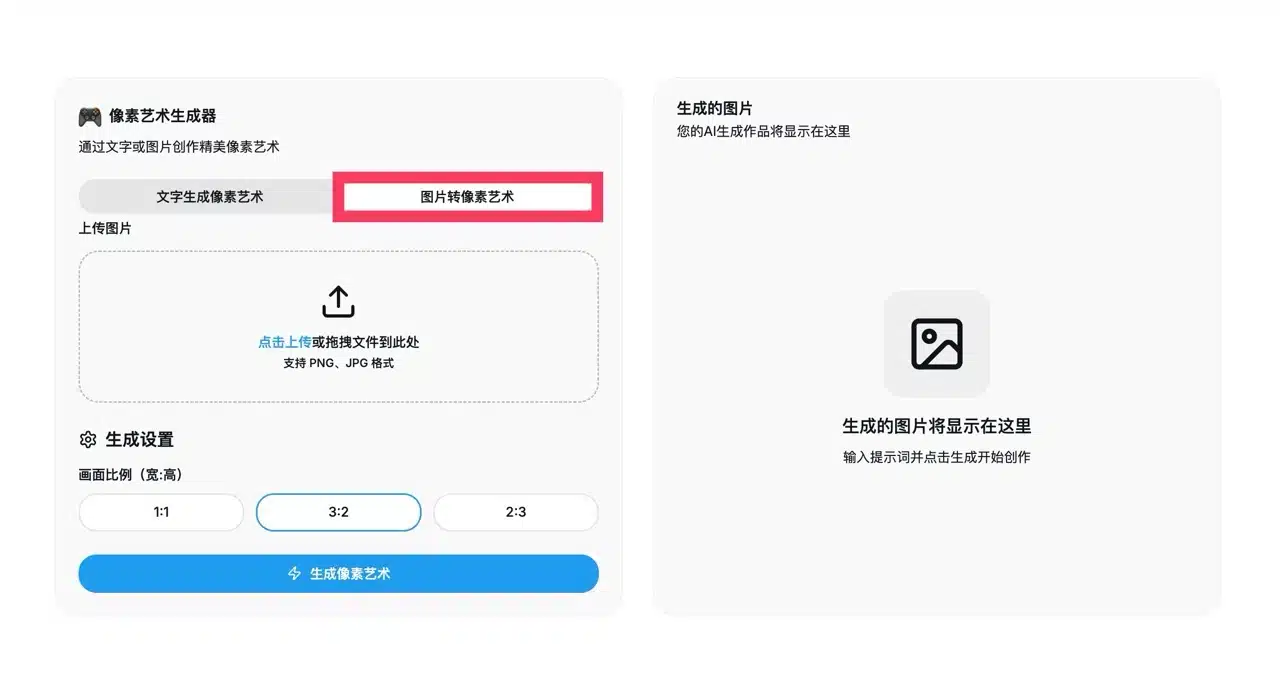
3. Set Image Aspect Ratio
Before generating or converting pixel art images, you can preset the image aspect ratio (1:1, 3:2, or 2:3).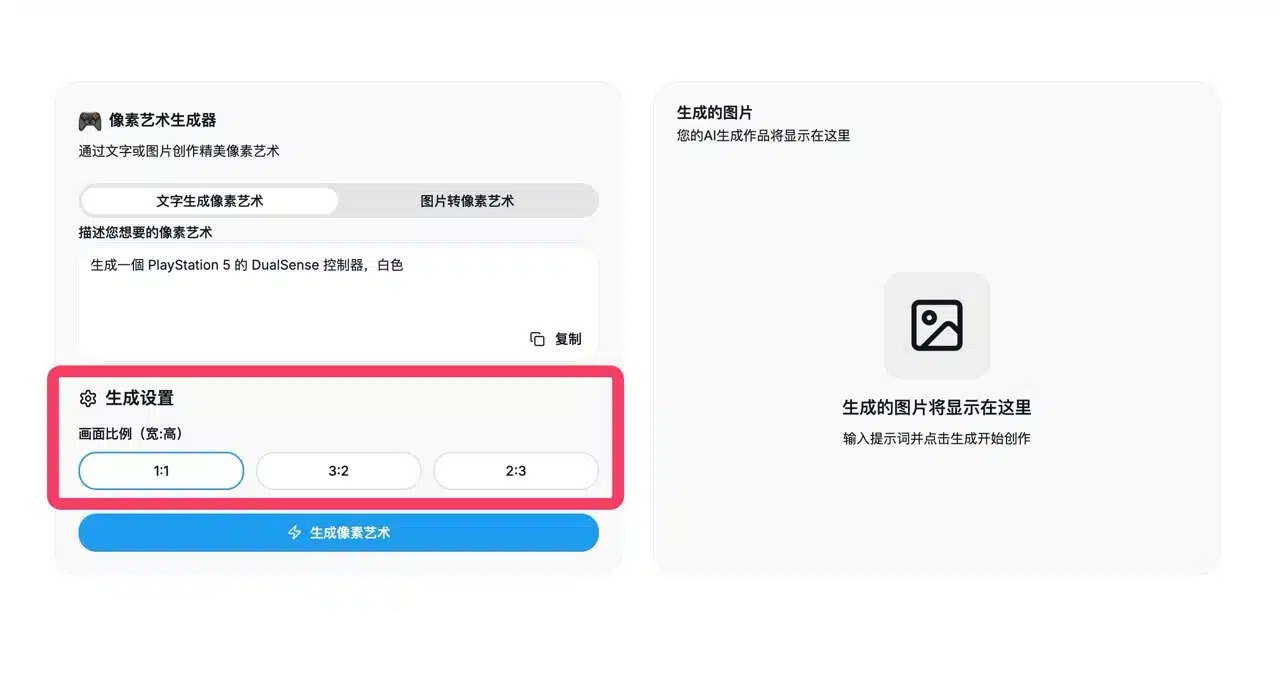
4. Generate and Download
Pixel Art Generator performs exceptionally well in processing speed. Keep the webpage open during processing—avoid refreshing or leaving the page, as this may cause errors and interruptions. The entire process takes approximately two minutes. Best of all, no registration or login is required, and there are absolutely no hidden fees.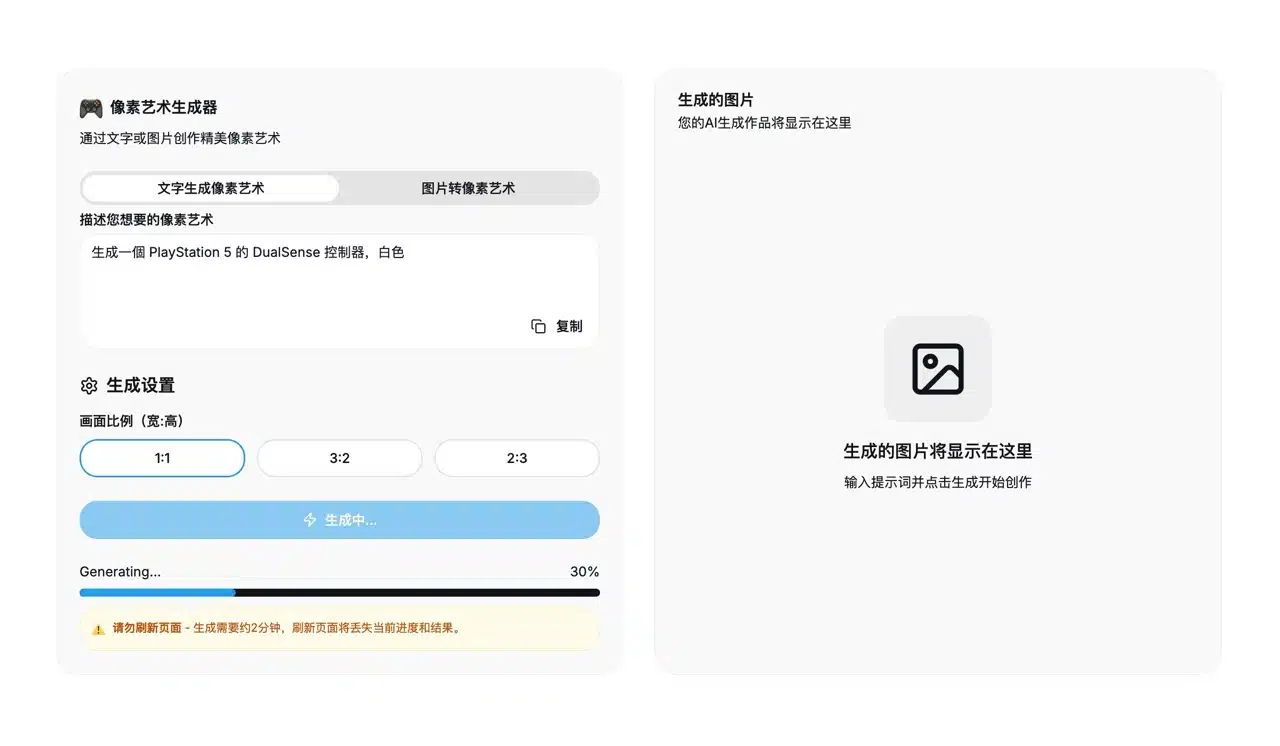
The generated pixel art image appears on the right. Hover your mouse over the image to reveal the “Download” button.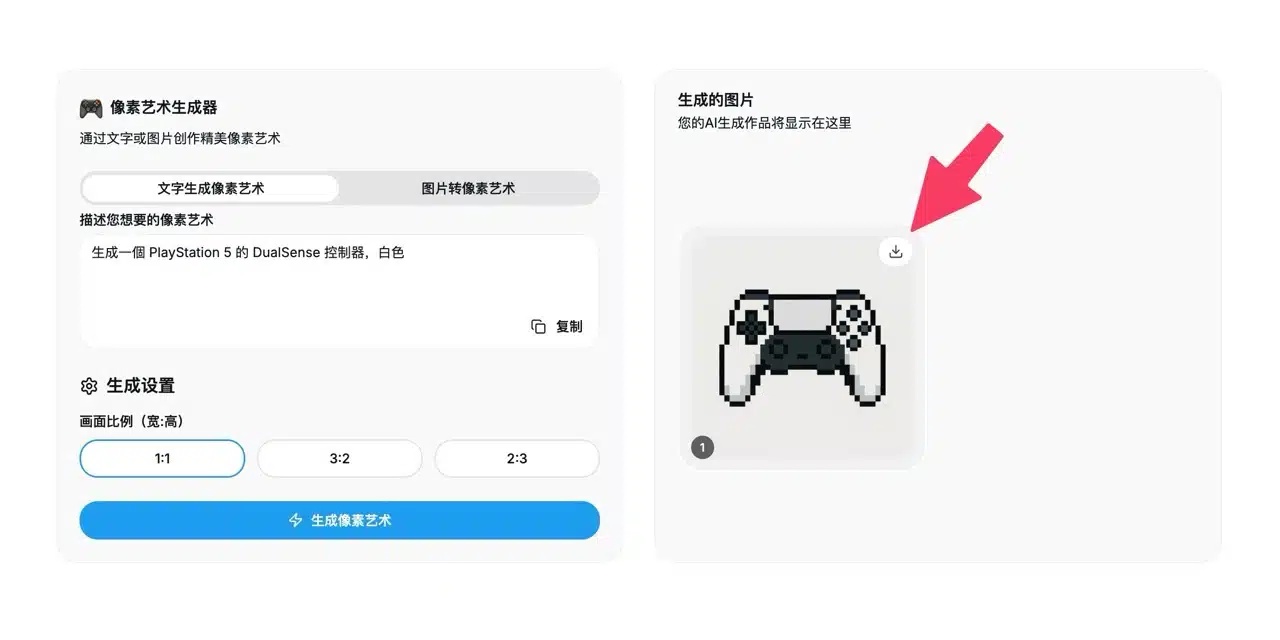
Clicking download saves the image as a PNG file—no watermarks, no hidden fees.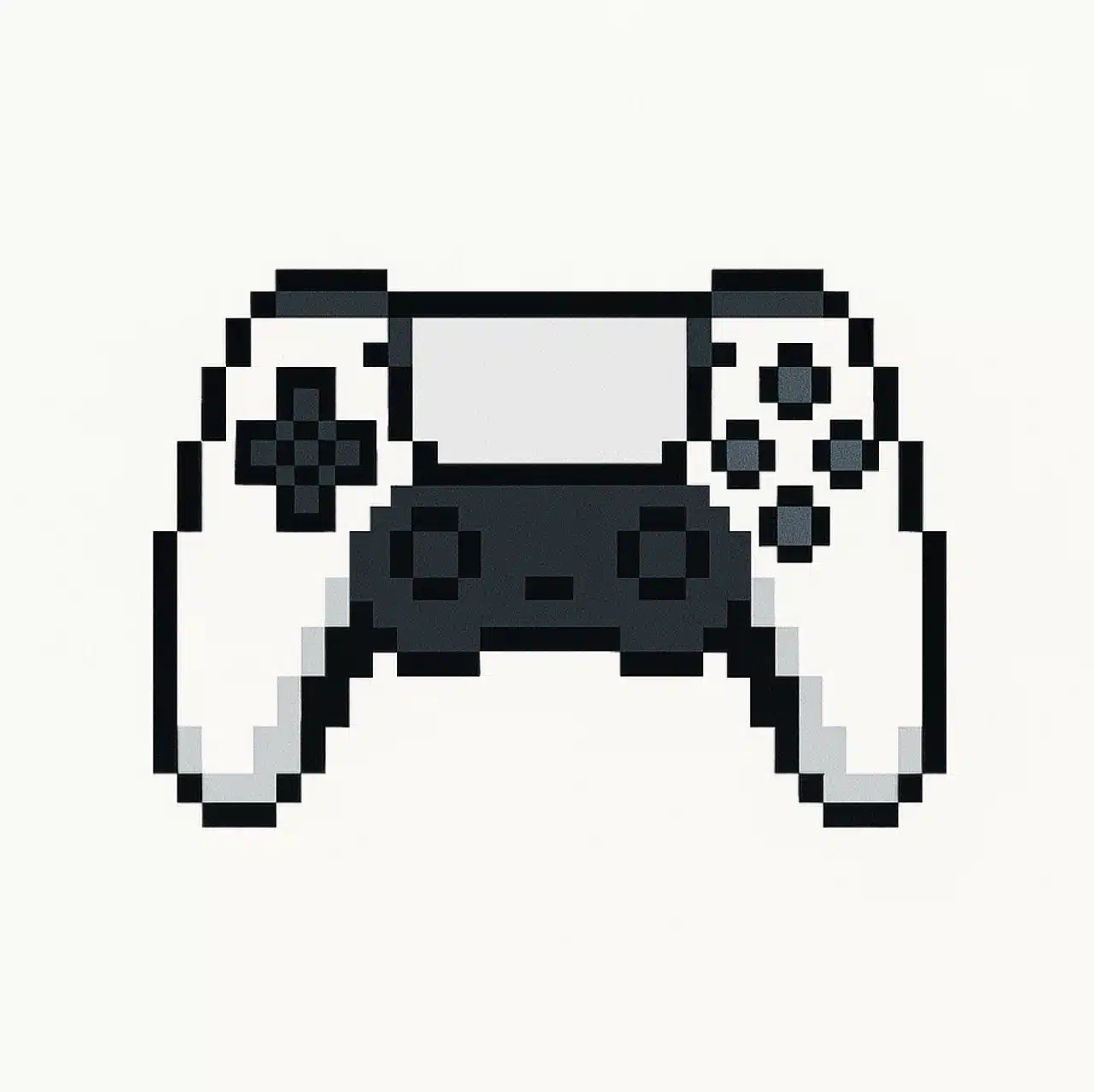
5. Testing Complex Image Examples
Try converting more intricate photos. The results are impressive—the main subject stands out clearly without being overshadowed by complex backgrounds or colors.
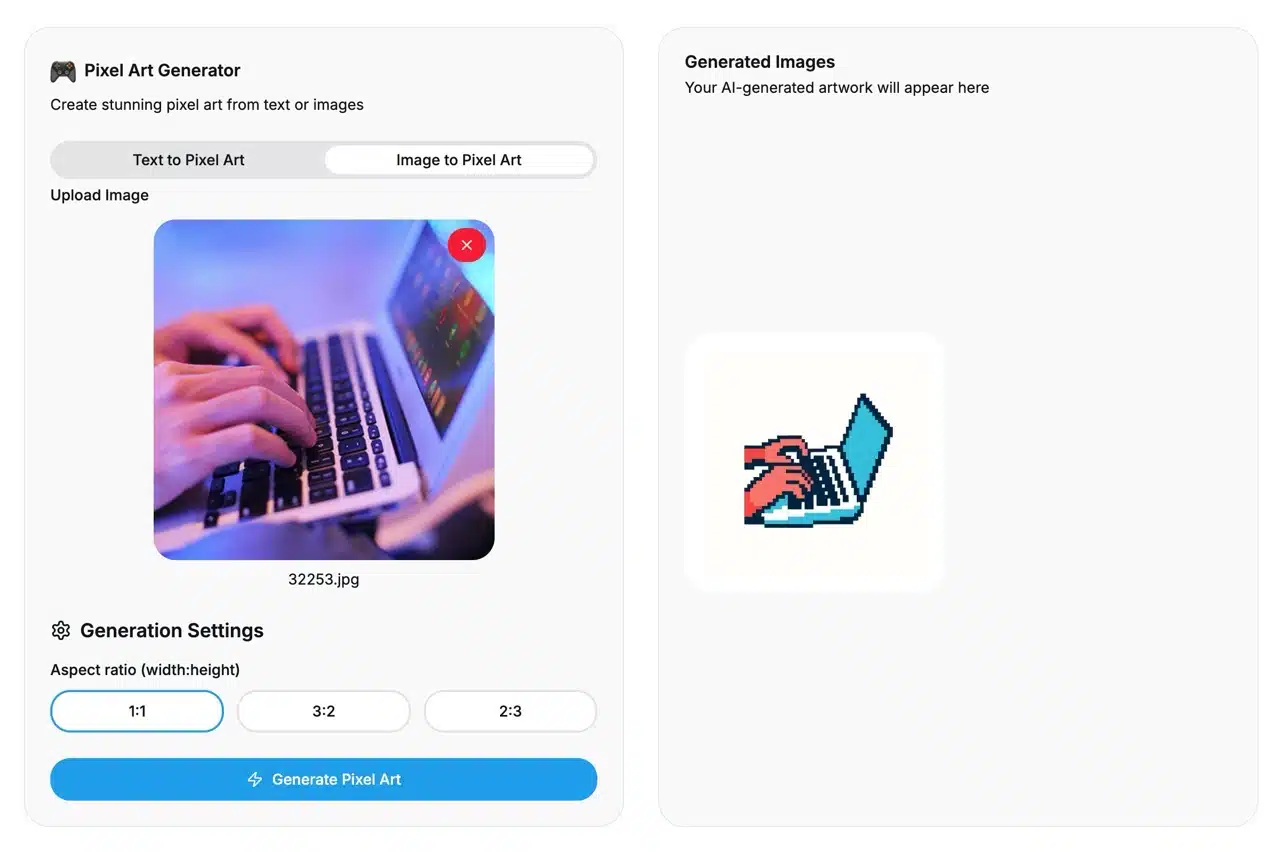
The image below is another conversion example. Notice how the background is ignored, with only the main subject converted into pixel art. If you want to convert photos you have on hand, Pixel Art Generator is a highly recommended choice. Give it a try!