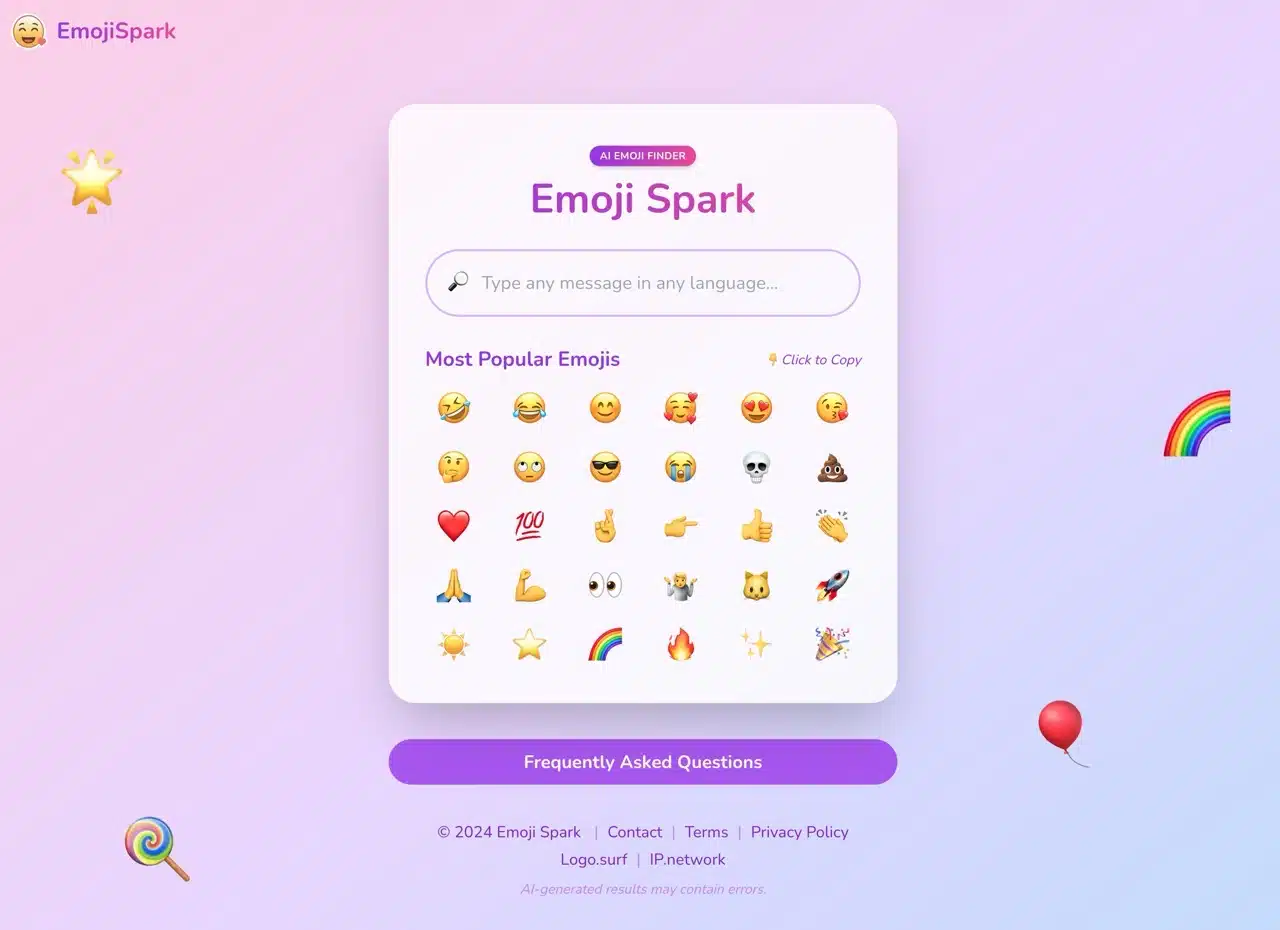
Emoji Spark is a fun AI application that suggests matching emojis when you input a message—sounds pretty unique, right? This service uses natural language processing and machine learning algorithms to analyze the context of your input. It considers various factors like meaning, emotion, tone, and popular usage to display the most likely emoji to match your message or text. Just tap to copy it to your clipboard for instant use. APP Recommendation
Notably, Emoji Spark supports multiple languages, including Chinese. This means when users input Chinese text, the AI can accurately determine the most fitting emoji for that content—making it a truly unique emoji search tool.
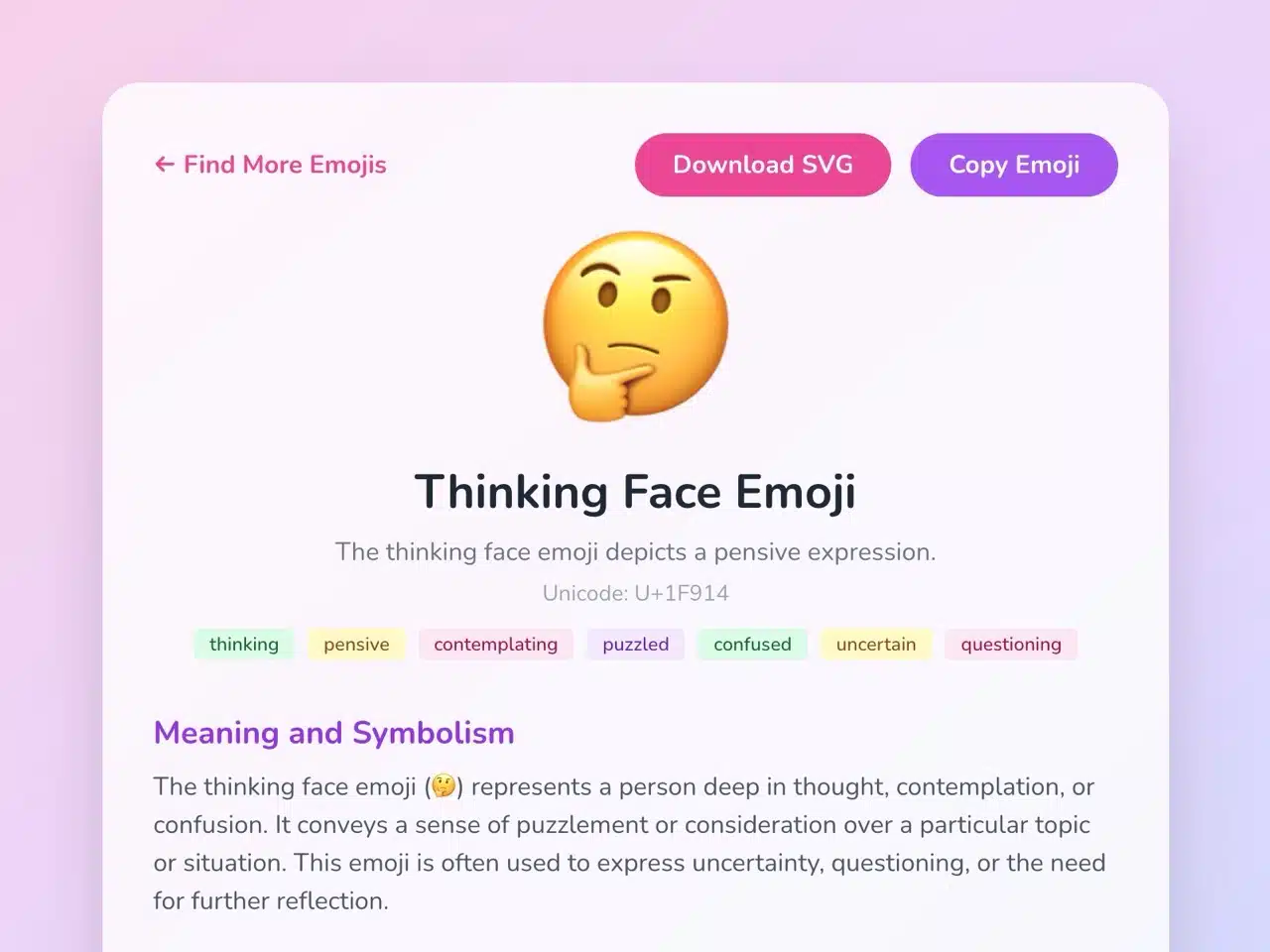
For emoji enthusiasts, Emoji Spark also offers detailed emoji information pages. These pages provide emoji names, Unicode codes, meanings and symbolism, popular usage, real-world usage examples, and similar emojis. Users can even download emojis as SVG vector graphics.
Other Emoji Lookup Tools or Online Services:
Get Emoji: An index of copy-and-paste-ready emojis, no app download required
EmojiAll: Quickly copy emojis with one click and look up related information
Emoji Magic: Search and copy emojis instantly in your browser (Chrome extension)
How to Use
STEP 1
Open Emoji Spark to see the most popular emoji recommendations. Tap any emoji to copy it to your clipboard for use.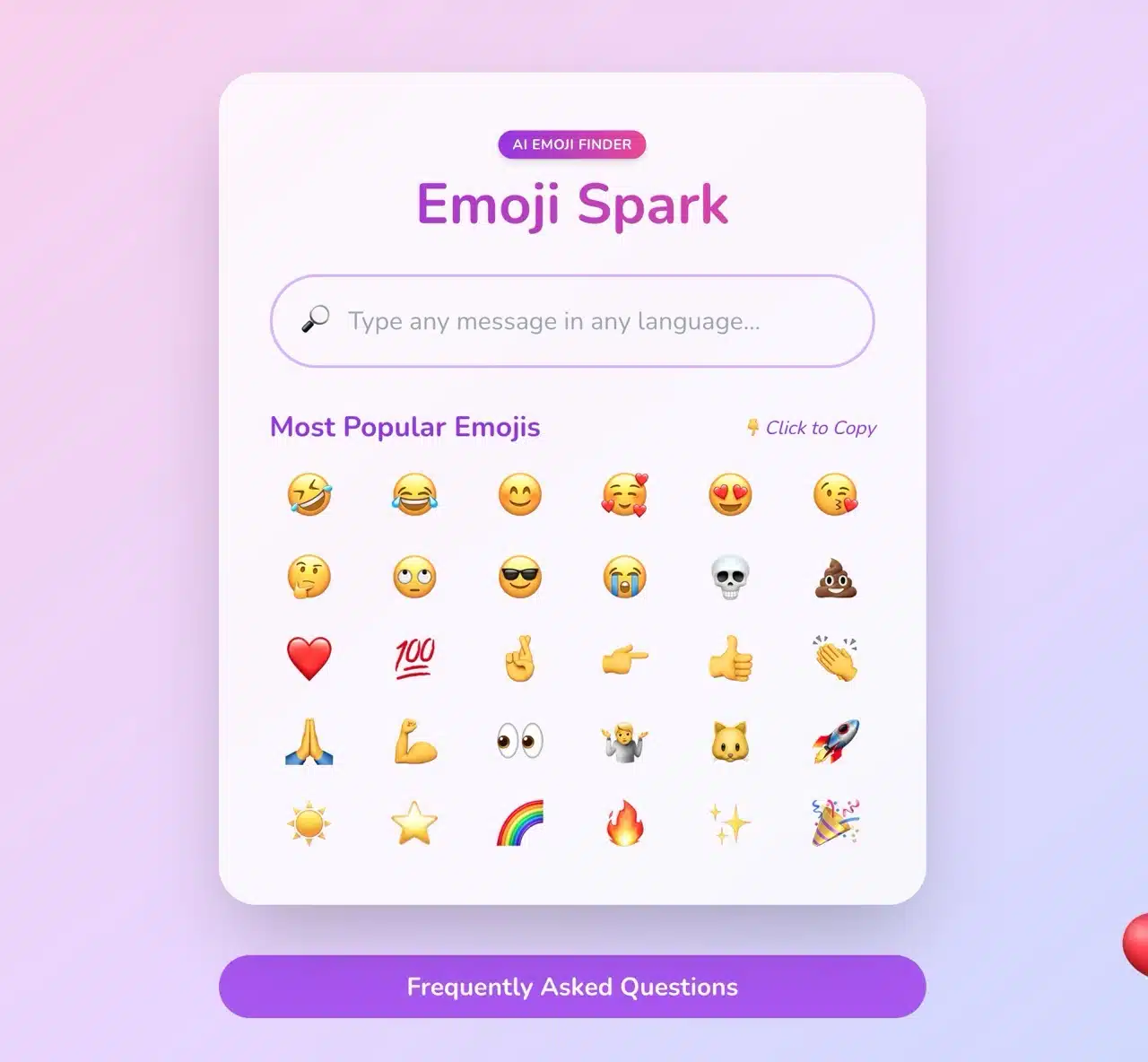
STEP 2
Type any message in the top field—Chinese, English, or any language. After submitting, it displays suitable emojis for your text. For example, when I typed “How could this happen? I feel like crying...” it showed crying, sad, heartbroken, angry emojis, and more.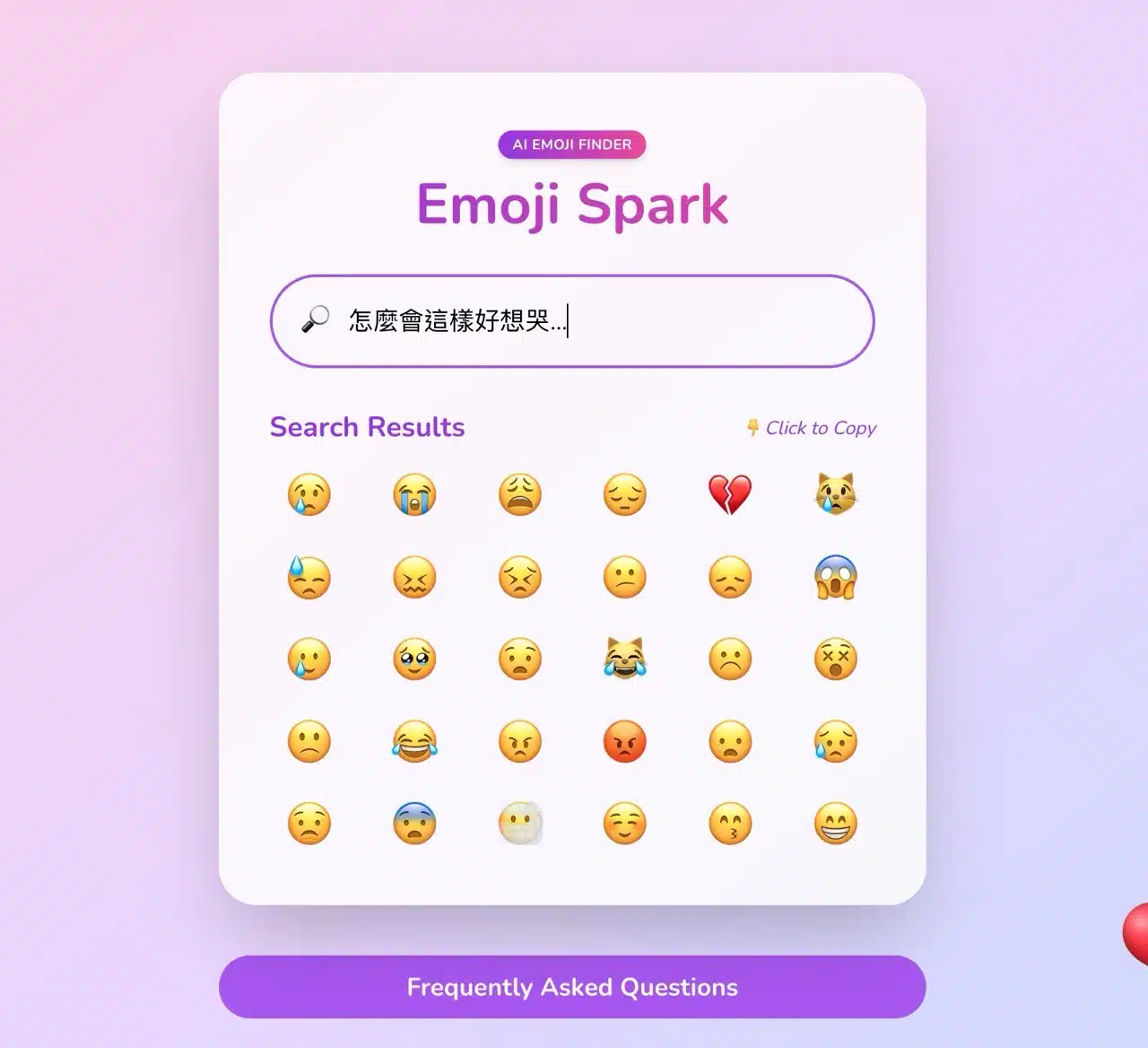
After typing “Hahaha, that's too funny!”, it shows laughing, heart-eyes, and clapping emojis.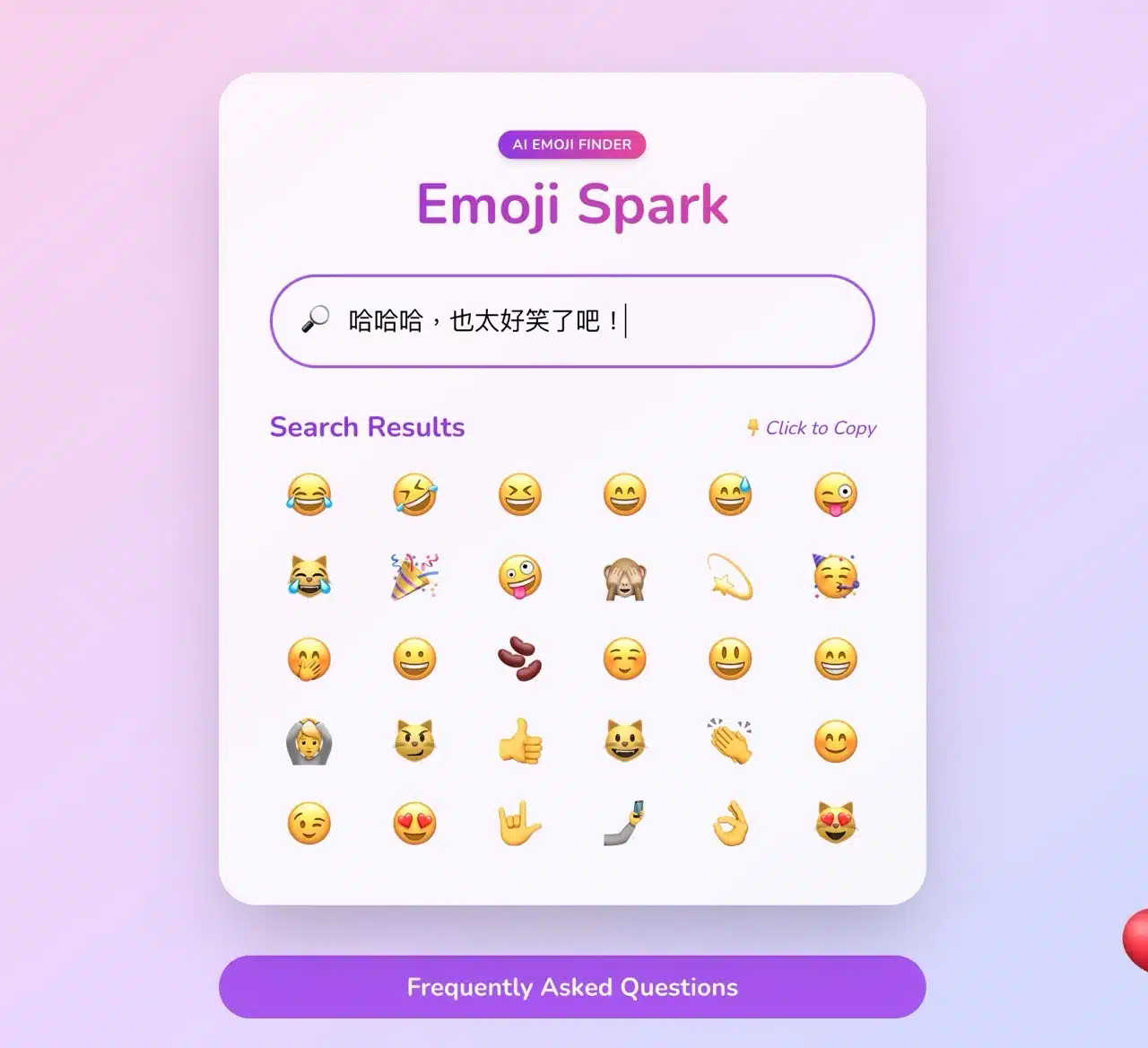
Even without explicit actions, phrases like “What is this weird thing?” yield thinking, monocle, raised eyebrow, and confused emojis—demonstrating remarkably high accuracy.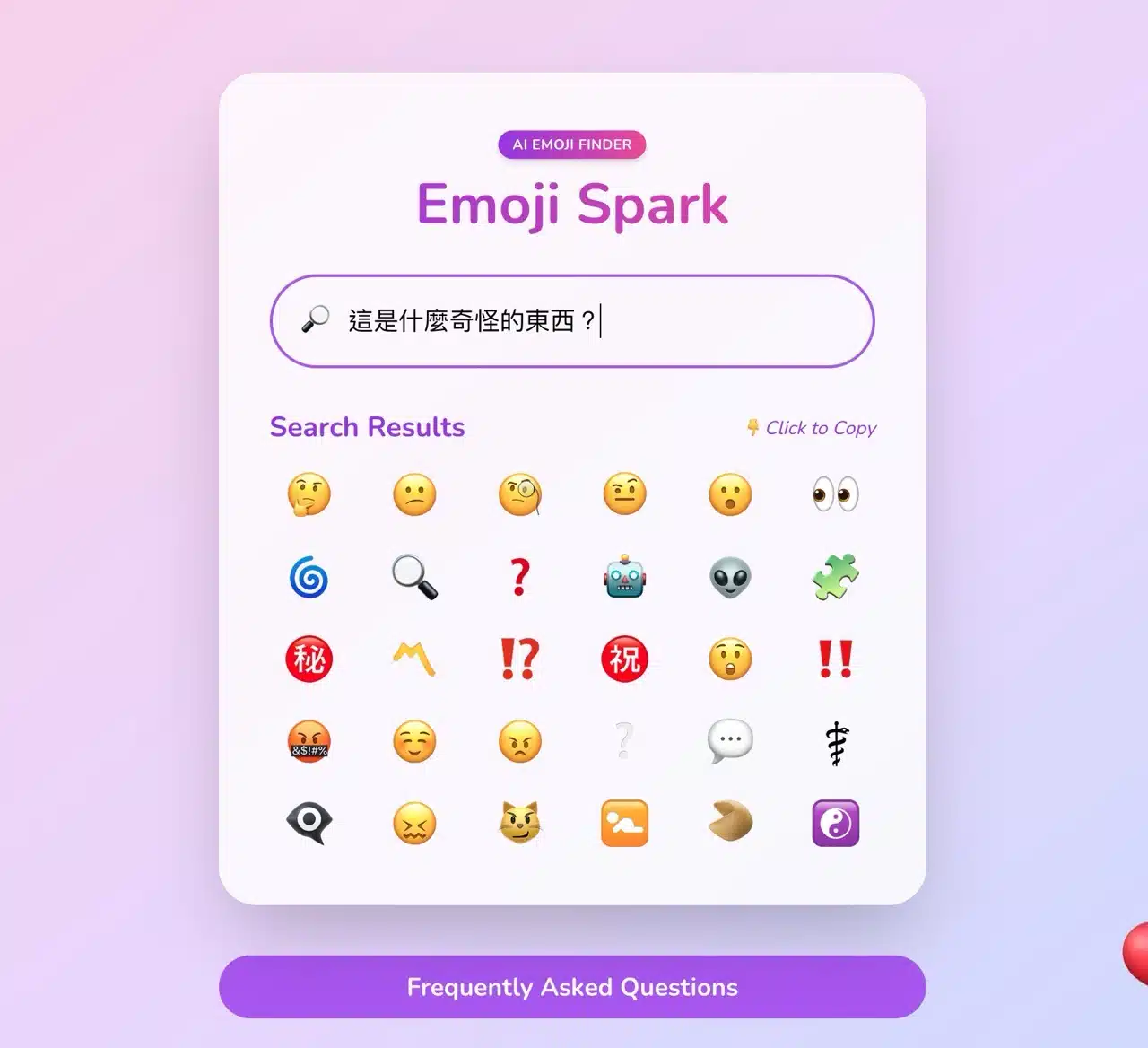
STEP 3
Tapping a search result emoji copies it to your clipboard. You can also tap “Learn More” for additional explanations.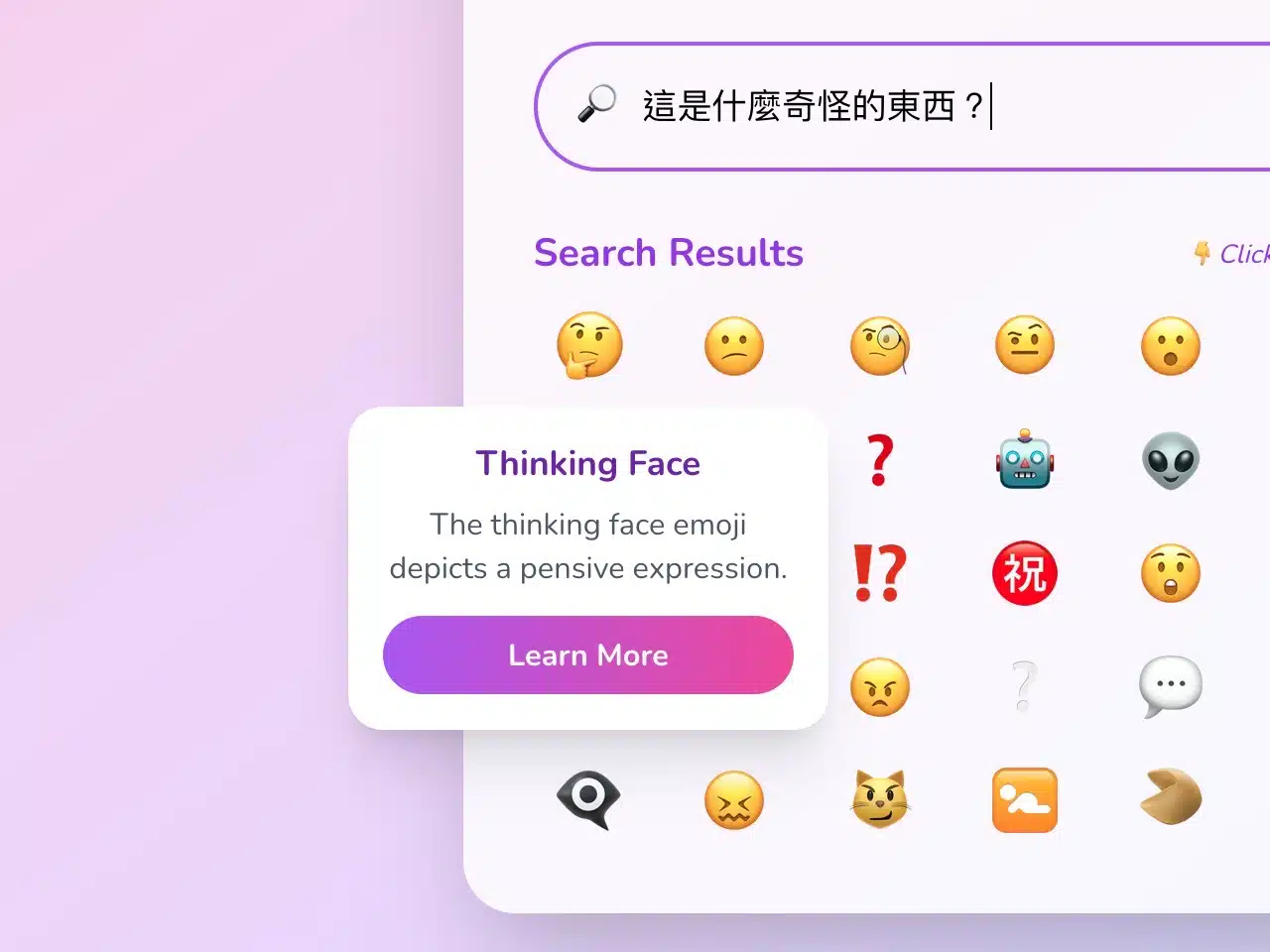 Each emoji has a dedicated description page featuring its name, description, Unicode code point, meaning, popular usage, real-world examples, and similar or alternative emojis. The detailed information page also includes a “Download SVG” function to save the emoji image in SVG format.