In the past, enlarging images required professional graphics software and hours of editing. But now, with AI technology, you can quickly process images in seconds, enlarging them to higher resolutions without distortion or blurring. Even without any image editing experience, you can achieve great results. I've previously recommended several image enlargement tools. Some require downloads, but most are web-based services. They're also very easy to use, delivering impressive results without any editing or configuration.
This article highlights “BigJpg AI,” an AI-powered image enlargement tool that instantly scales images to specified multiples. Utilizing advanced machine learning, large-scale analysis, and image enhancement techniques, it intelligently enlarges images while preserving details, resulting in more realistic and natural-looking output. These processes are nearly fully automated, supporting JPG, PNG, GIF, and BMP file formats, with a free basic plan available.
As BigJpg AI states, most image enlargement tools only handle enlargements around 200%-300%. However, BigJpg preserves clarity up to 1600%! This means enlarging the original image by 16 times, making it more suitable for printing or physical output. However, the basic plan only supports up to an 8x magnification, which is still sufficient for most use cases.
Next, let's demonstrate how BigJpg AI works in practice.
Tutorial
STEP 1
BigJpg AI offers both free and starter plans. The free plan provides one-click image enlargement with a maximum magnification of 8x. For faster enlargement (without pop-up confirmation prompts) or higher magnification, consider upgrading to the paid plan. This unlocks up to 16x enlargement with no usage restrictions. The key features include customizable magnification levels and batch image enlargement. Pricing is $9.99 per month with a 14-day money-back guarantee.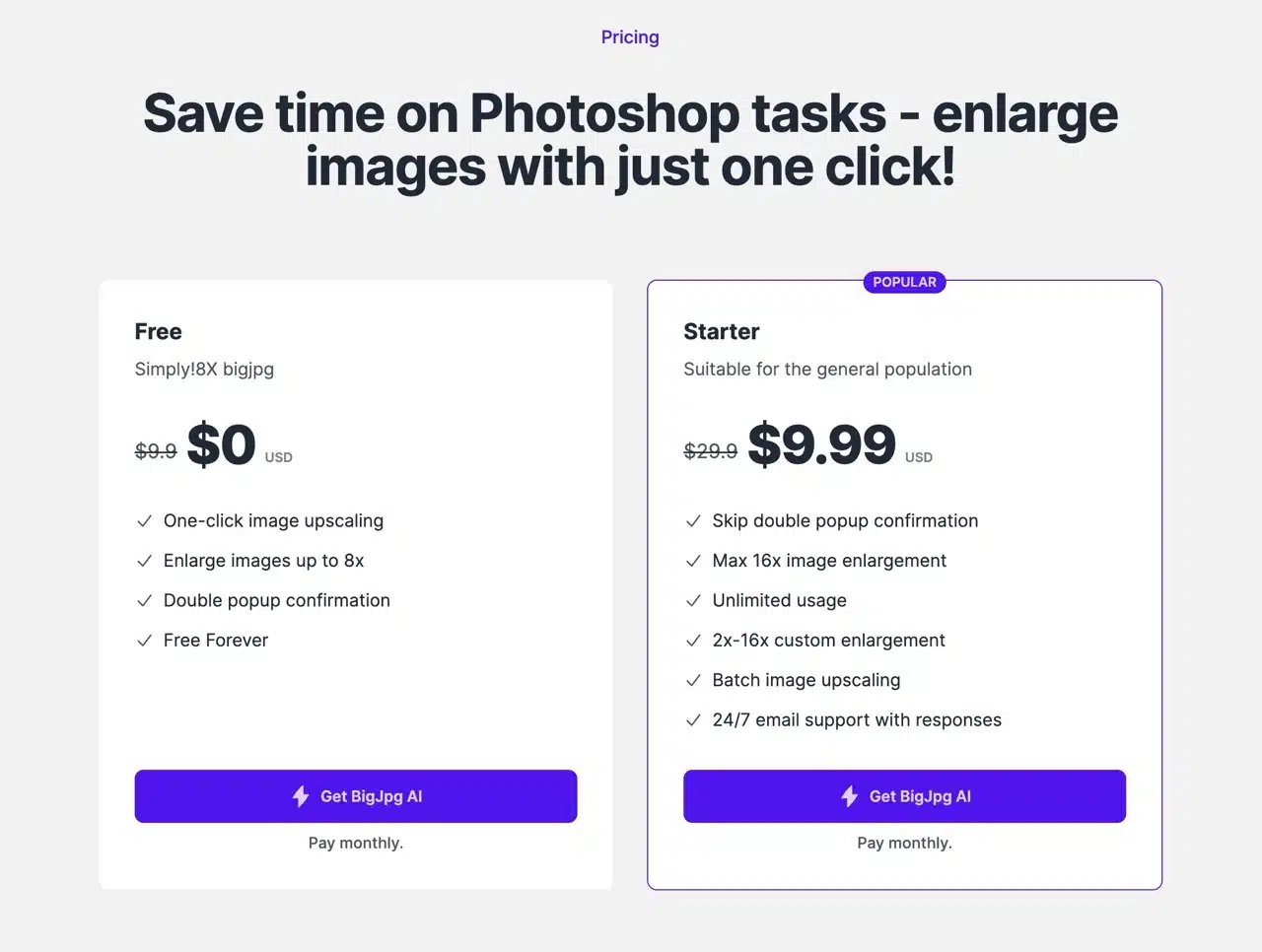
STEP 2
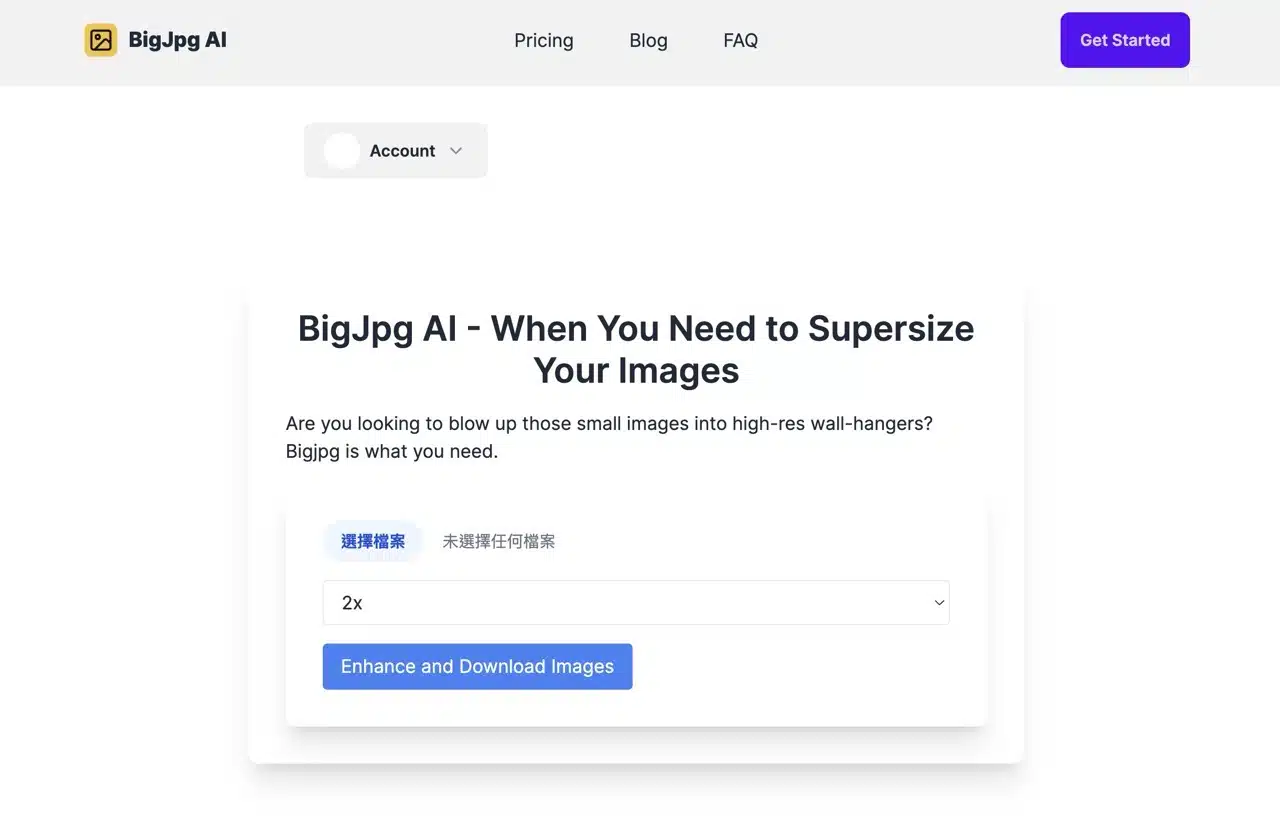
For first-time users, I recommend clicking “Get Started” in the top-right corner to register and log in (supports Google accounts). After returning to BigJpg AI, use the image enlargement tool on the homepage. Click “Select File” to choose the small or low-resolution image you wish to enlarge.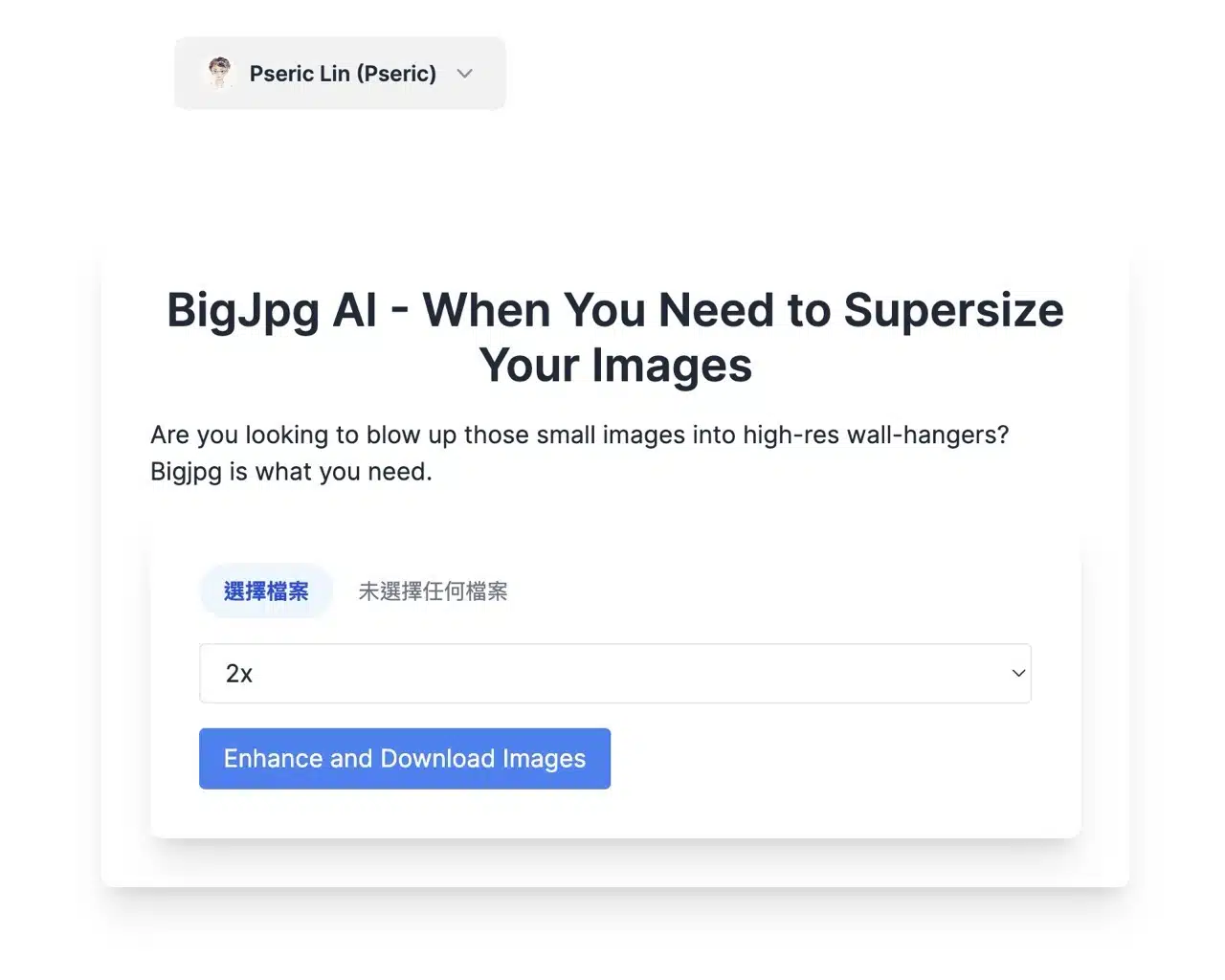
STEP 3
Next, choose your desired enlargement factor from the options below: 2x, 4x, 8x, or 16x. The free plan caps at 8x enlargement. Higher enlargements require more hardware resources and necessitate a paid upgrade.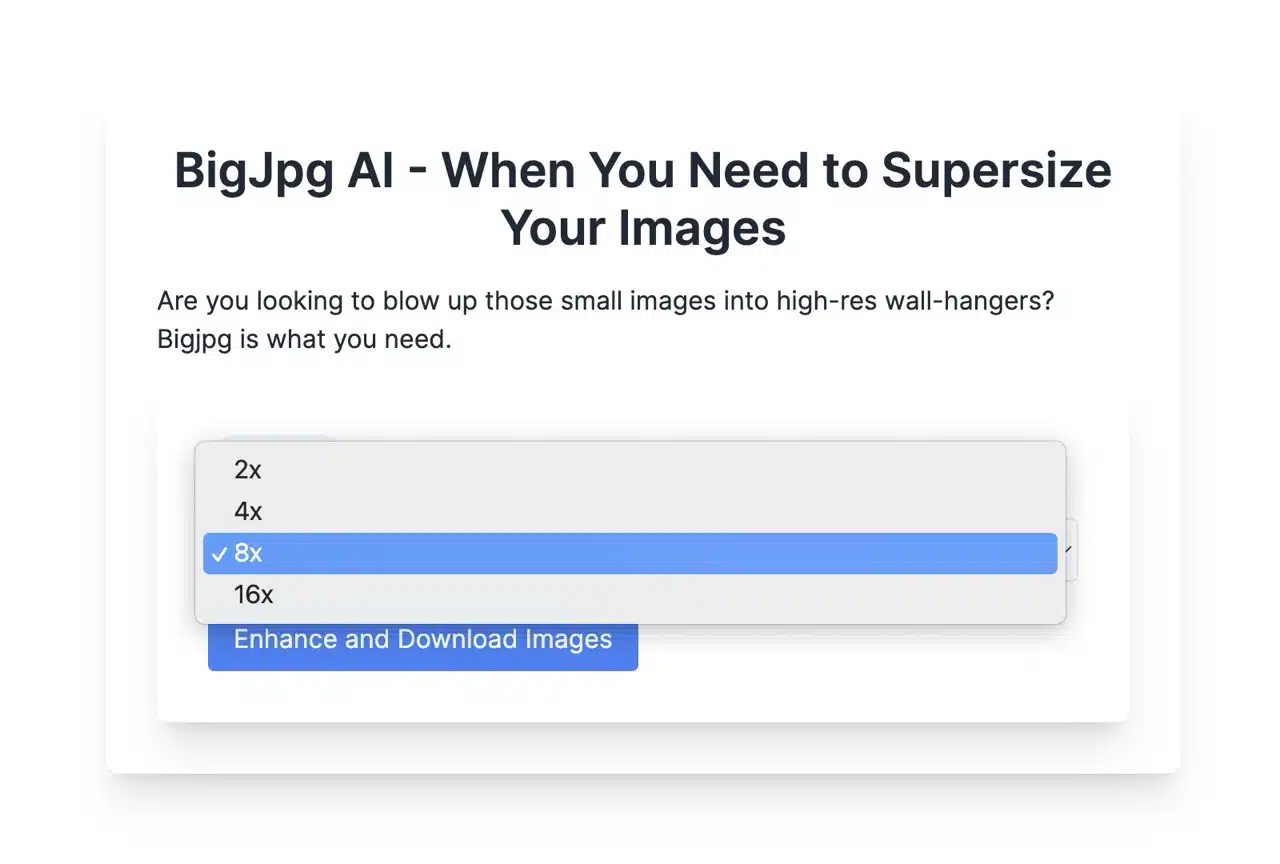
STEP 4
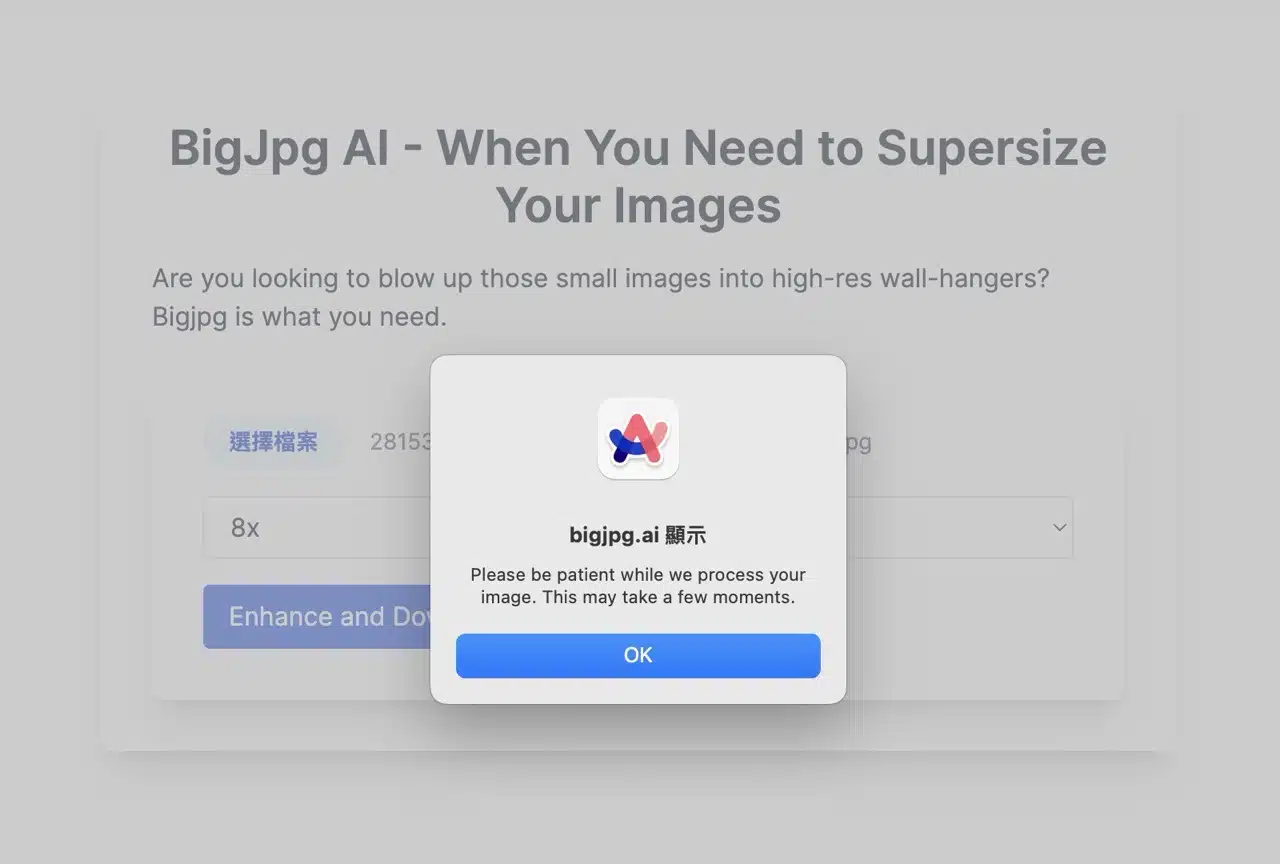
Clicking “Enhance and Download Images” will display a prompt indicating the process requires patience. It typically completes within seconds. Once BigJpg AI finishes processing, the image downloads automatically. The entire process is smooth, and the results are quite good (though this may depend on the image type). If you need lossless image enlargement, it's worth trying.